SaaS & Tools
W3 Toolkit
A free library of browser-based tools for text, images, SEO and study, sorted by category so people get straight to the one they need.
About the project
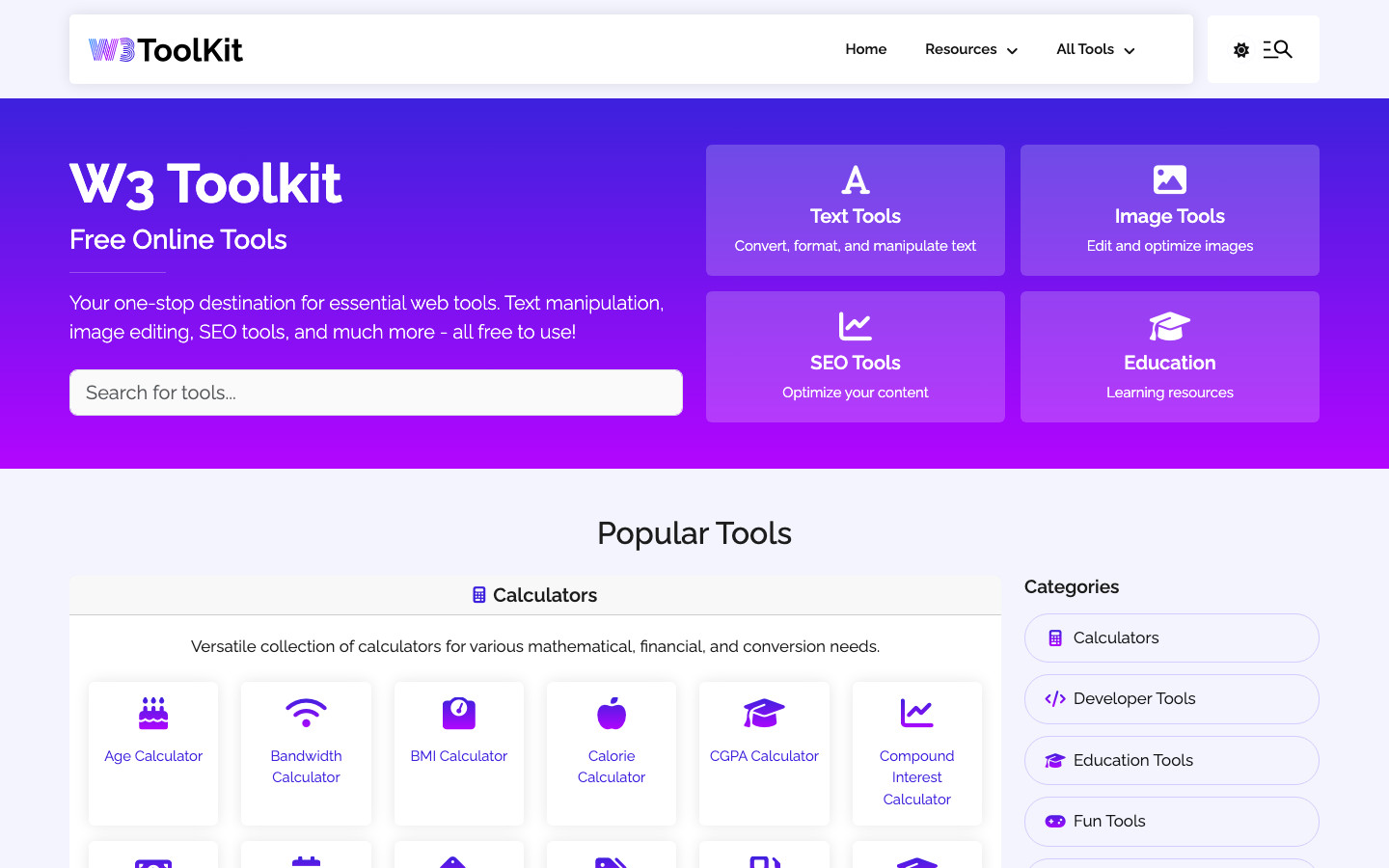
W3 Toolkit is a free collection of browser-based utilities for text, images, SEO and education, gathered in one place. The site organises its tools by category and highlights the most popular ones, so visitors can go straight to the utility they need.
The challenge
Most people looking for a quick online tool, whether it's an age calculator, a text case converter or a way to shrink an image, land on a page buried in ads and pop-ups, use it once and never come back. The idea behind W3 Toolkit was to gather dozens of these small utilities under one roof, keep them free, and make the site itself worth bookmarking.
The catch with a collection like this is findability. Once calculators, text tools, image tools, SEO checkers and learning resources sit side by side, a homepage can quickly turn into a wall of links that nobody wants to read.
The solution
I built W3 Toolkit in PHP with a Bootstrap front end and organised it around four clear groups: text, images, SEO and education. The homepage leads with those categories and a Popular Tools section, so the calculators people reach for most (age, BMI, loan, mortgage, currency and the rest) are a single click away.
Every tool lives on its own focused page with a one-line explanation of what it does, which keeps each page light and easy to find in search. A shared Resources menu links across to the sister tools in the family, including the QR code generator, the icon generator, the URL shortener and the YouTube thumbnail downloader, so visitors move between them instead of leaving.
Technology
- PHP
- Runs the site on the server and renders each category and tool page.
- Bootstrap
- Responsive grid and components behind the category cards and tool layouts.
- JavaScript
- Handles the interactive side of the tool forms and navigation.
- jQuery
- Used for DOM handling and small interactions across the tool pages.
- Font Awesome
- Icon set behind the category and tool icons.